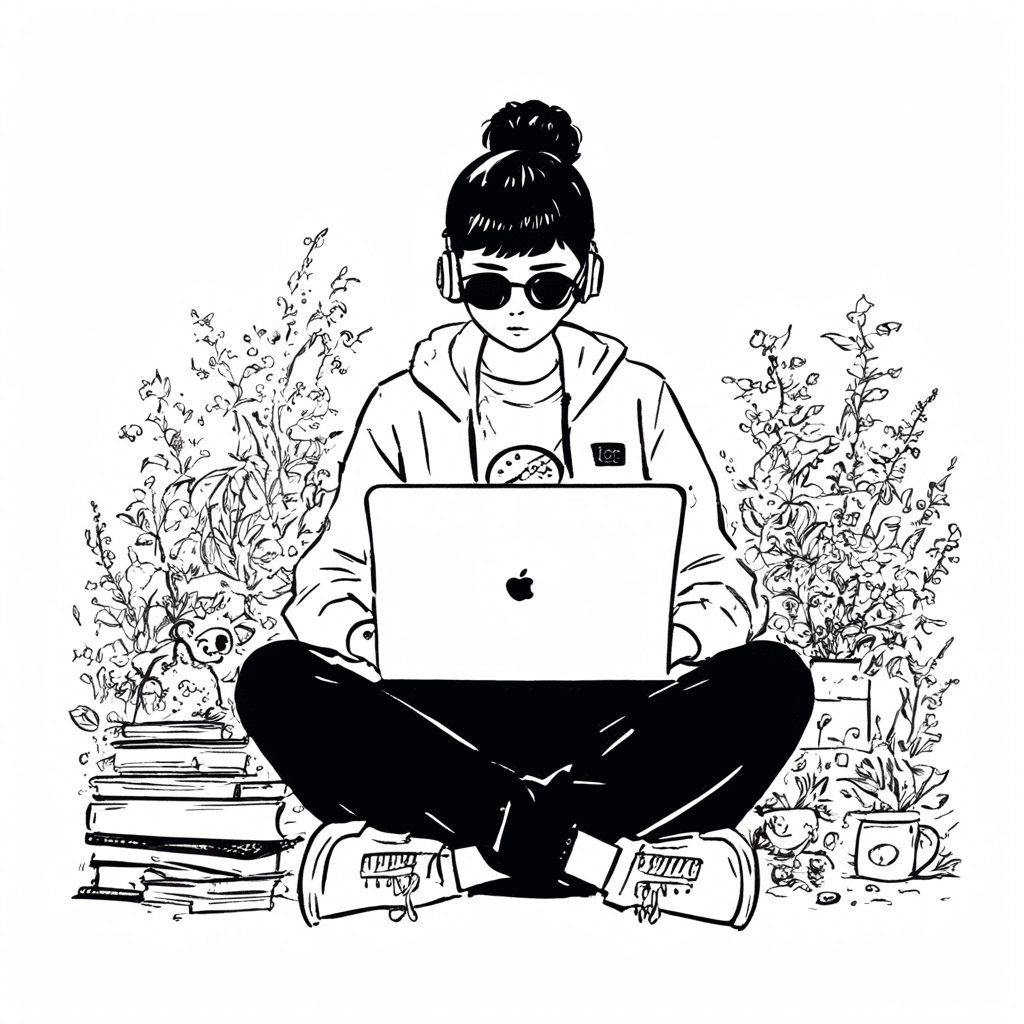
How to generate PNG illustrations
All models on ILUS AI are compatible with PNG exportation, including both pre-made and custom fine-tuned models. Simply navigate to our illustration generator select your preferred style, quality and image prompt. All generated images will be stored for 24 hours, then deleted. Be sure to export them before the time runs out!
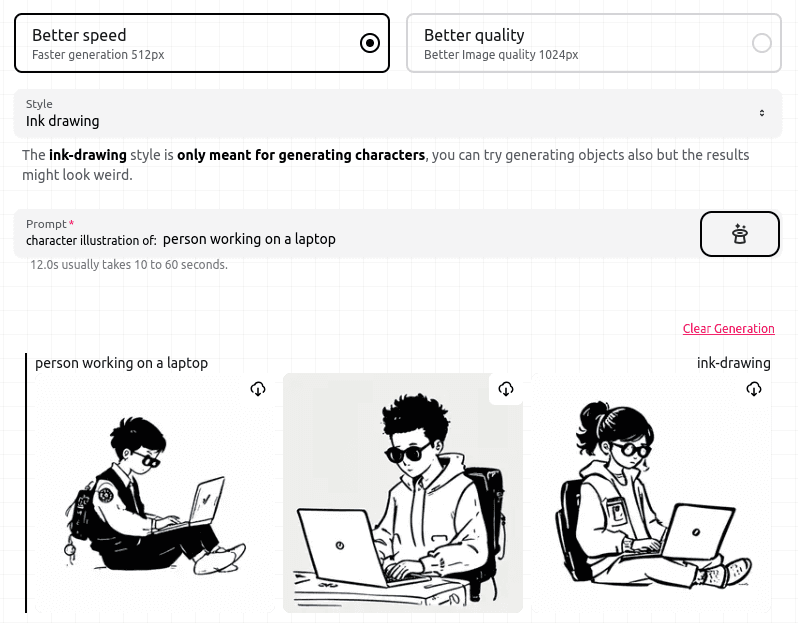
Quality selection
First mode "Better speed" (default)
Generates the illustration faster, but with less detail and lower resolution (512px).
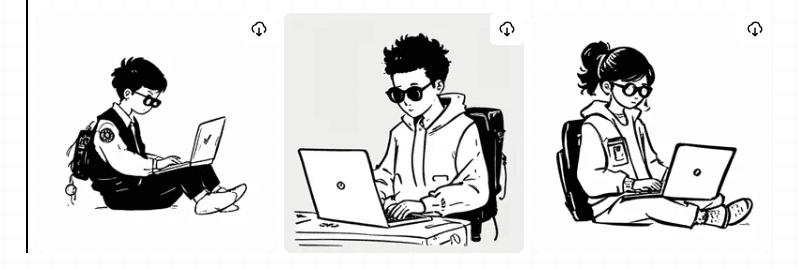
Second mode "Better quality"
Generates the illustration slower, but with more detail and higher resolution (1024px).
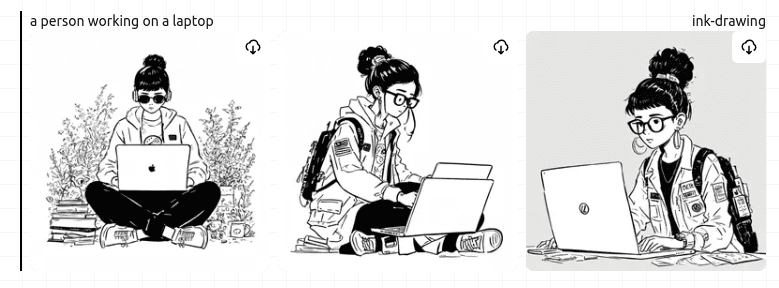
Export
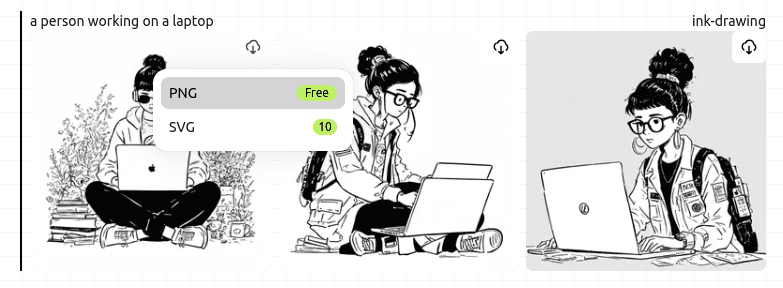
After generating your desired illustration, click the PNG export option, which will cost 0 credits. Export image resolution will be either 512px or 1024px depending on which quality setting was chosen before the generation.
Next Steps
Congratulations! You now have a PNG illustration that's ready to be used immediately, or modified further using your preferred image editing software.