Train AI Art Model
Fine-tune a custom model on your style and generate illustrations from text prompts
What Is Fine-Tuning?
Fine-tuning trains our model on your specific objects or art style to create a fully customized AI model that generates on-brand illustrations every time
Your Style
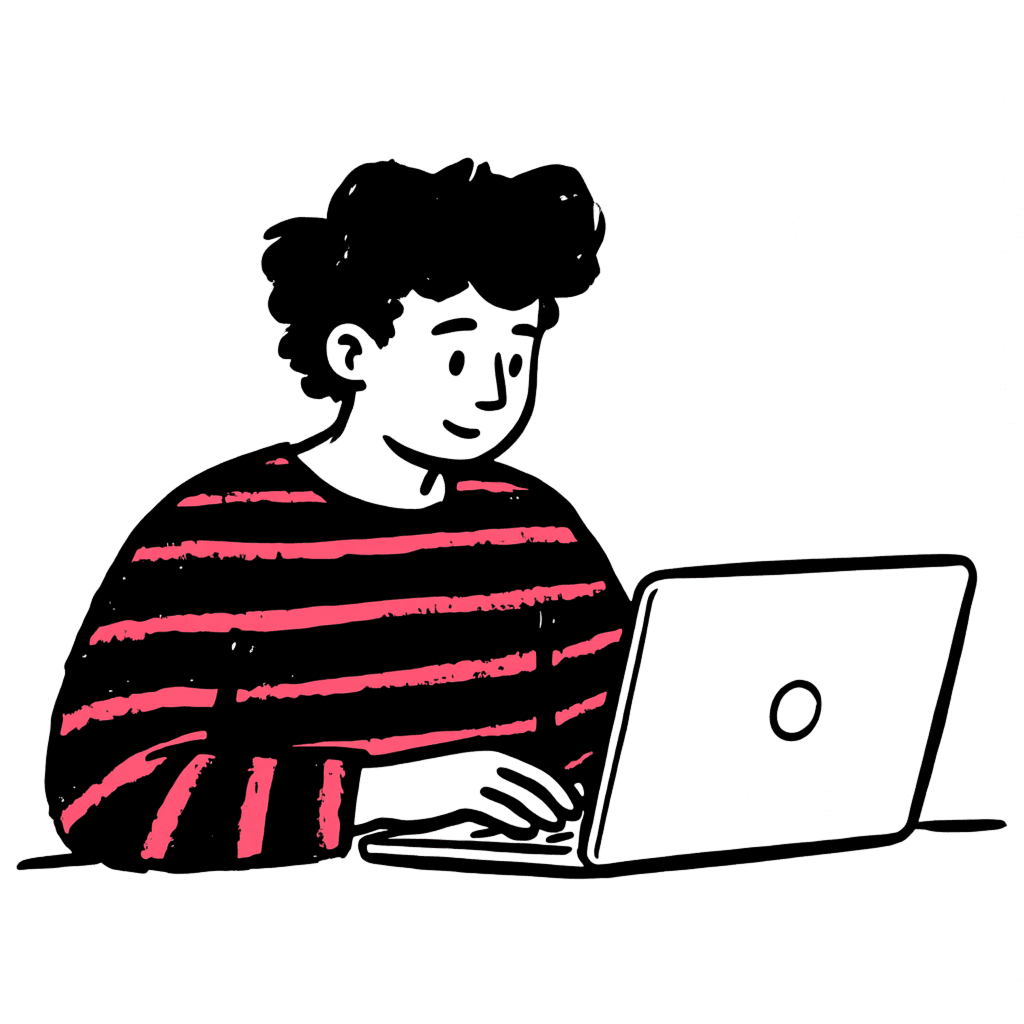
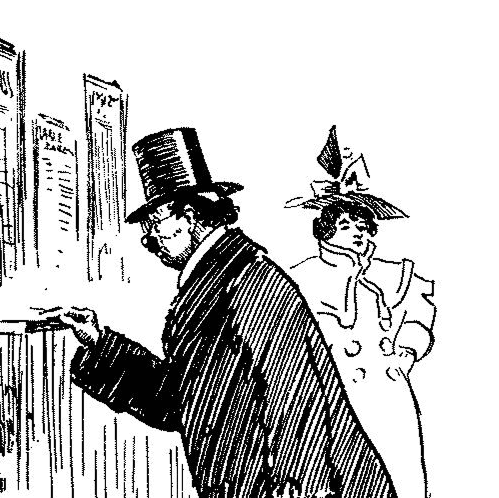
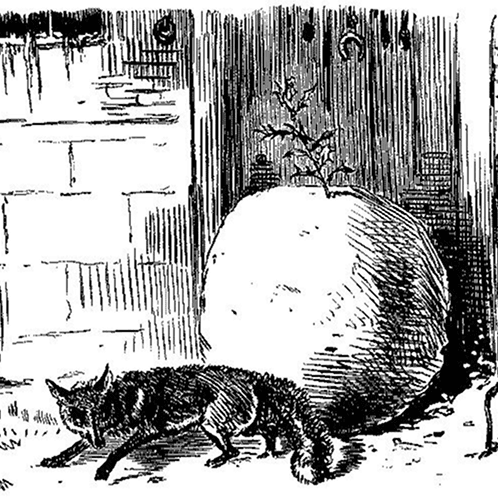
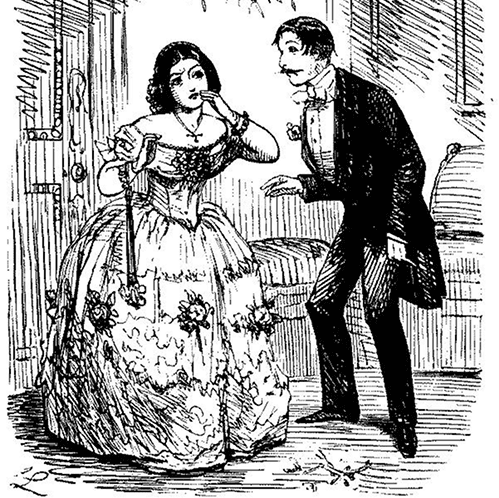
Upload 10–20 of your existing illustrations and we train a custom model on your visual identity. Once ready, generate images that match your exact style.
How to Fine-Tune
Your model is ready in three steps
Prepare Your Images
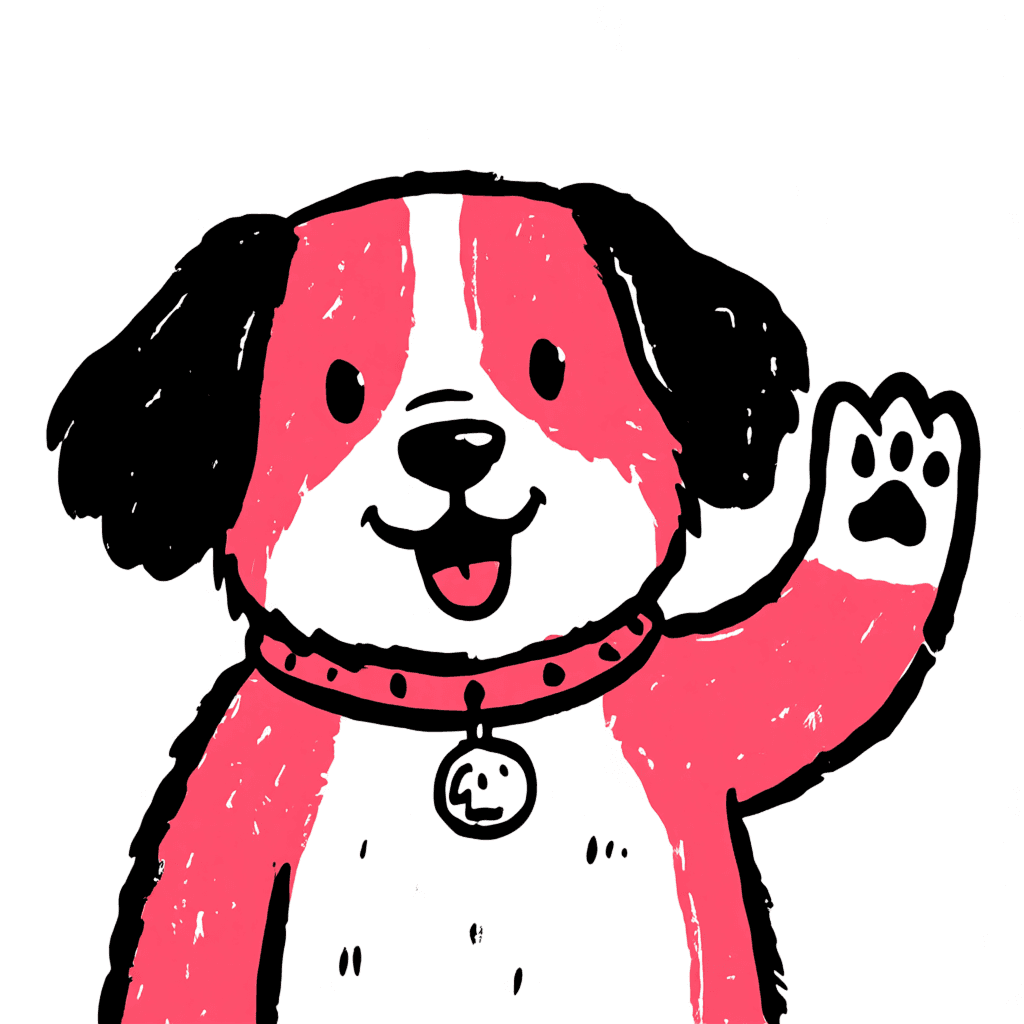
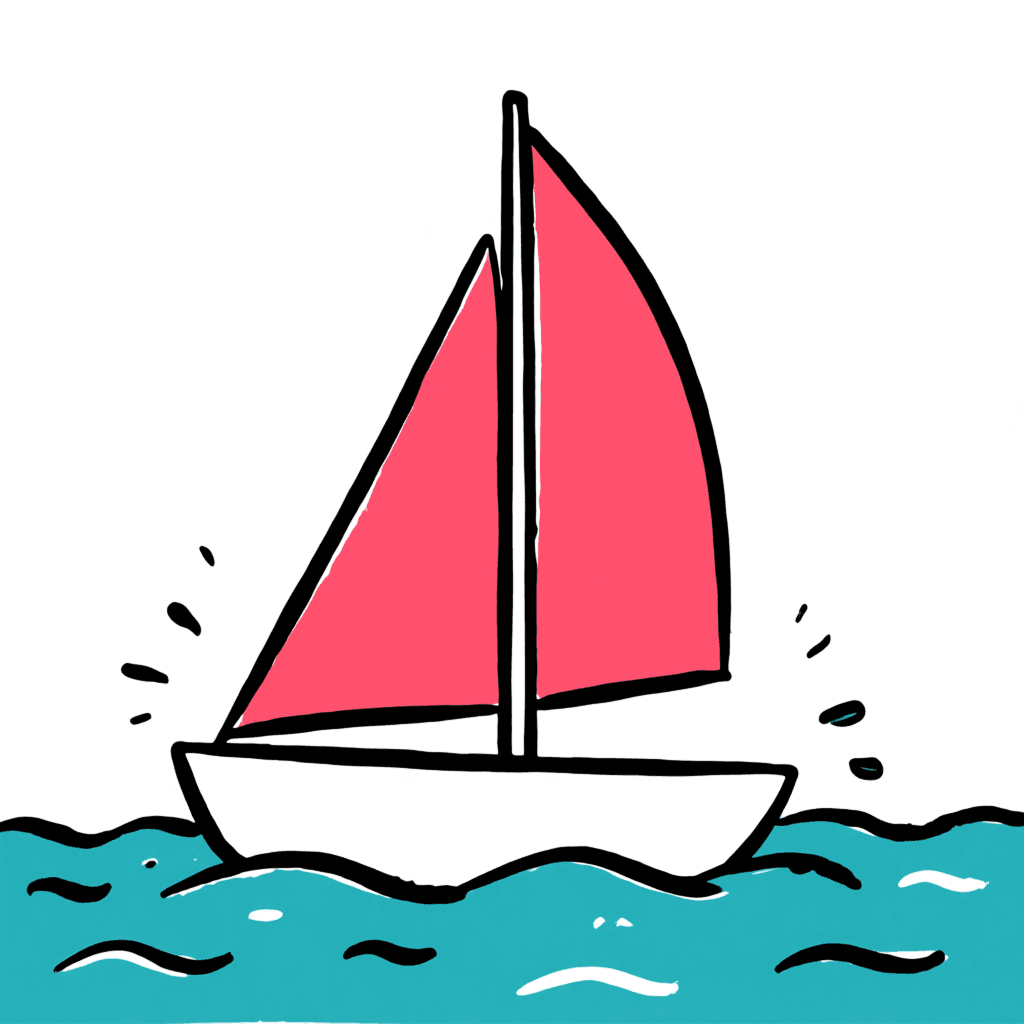
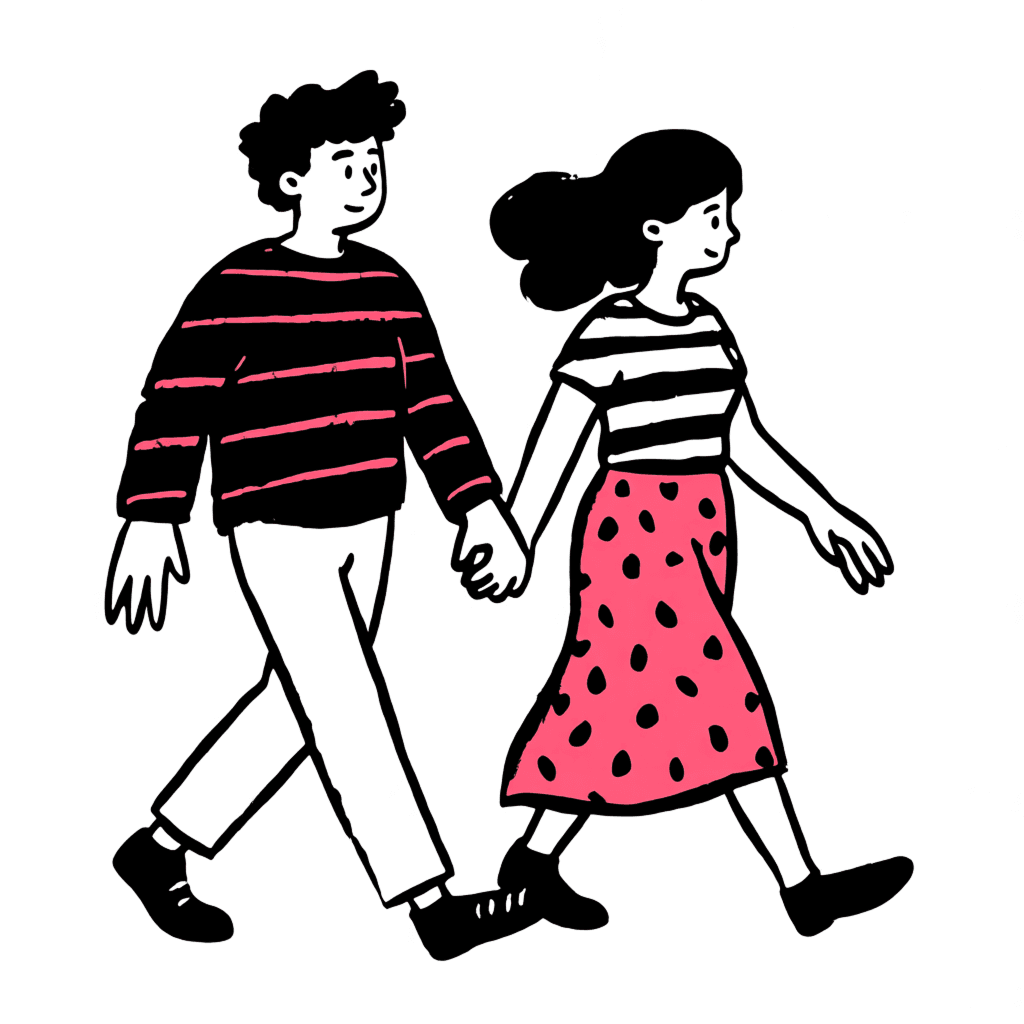
Gather 10–20 illustrations in JPEG or PNG. Use simple, clear images, the subject or style should be obvious. Keep a consistent style across all images and leave white space around subjects.
Upload & Train
Upload your images on the fine-tune page and start the training. The model learns your visual identity in about 1.5–2.5 hours. Fine-tuning costs 150 credits.
Generate
Your custom model appears in the styles dropdown. Type a prompt and get on-brand illustrations instantly. Use descriptive prompts to guide colors and details. All images are PNG exportable and SVG exportable if they don't contain gradients or shadows.
Training Data Tips
The quality of your fine-tune depends directly on your data quality
Image Requirements
- 10–20 images in JPEG or PNG (no transparent backgrounds)
- Resolution around 1024px is ideal, max 1328px
- Avoid gradients and shadows if you plan to export as SVG
- Leave white space around subjects to prevent edge cutting
Content Guidelines
- For character/object training — show only the subject, no extra elements
- For style training — include a wide range of subjects in the same style
- Use simple, clear compositions — avoid abstract or unusual poses
- Do not use copyrighted images or images of people without consent
Quality over quantity. 10 consistent, well-formatted images produce better results than 20 mediocre ones. If your generations aren't matching the style, guide the model with descriptive prompts — for example: "a man riding a bike, black outline, pink clothes, doodle illustration"
You are in good company
Over 406,427 illustrations already generated
You are in good company
Over 406,427 illustrations already generated



 Case Study
Commercial License (CC0)
Every SVG you generate — including from fine-tuned models — is CC0 (Public Domain). You own it completely — use in client work, products, and marketing without attribution or restrictions.
Figma Plugin
Generate Images directly inside your design tool
Generate on Canvas
Generate, edit, and iterate on illustrations without leaving Figma. Drop vectors straight into your design files and keep your workflow uninterrupted.
Install Plugin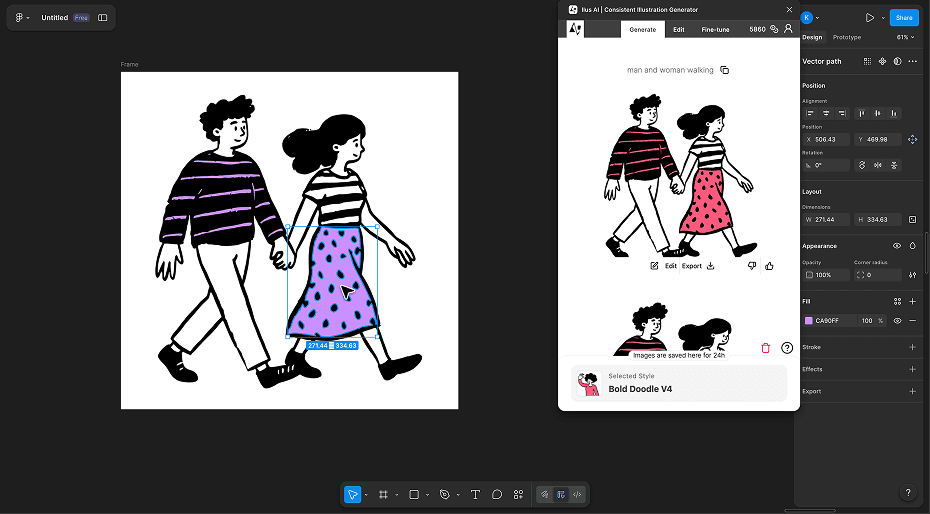
Pay as you go
One-Time Payment · No Subscriptions · Credits Do Not Expire
Credit Usage Breakdown
500 Credits
- SVG Generation
- Generated images are private
- Editing
- Export .png and .svg
- Commercial License (CC0)
- Fine-tuning
Frequently Asked Questions
Can AI mimic an art style?
Yes. With fine-tuning, AI can learn the patterns, line weights, color palettes, and compositions that define a specific art style. By training on 10–20 examples of a consistent style, the model produces new illustrations that closely match the original aesthetic — whether it's flat vector, ink drawing, doodle, or your own custom look.
How to train AI to replicate an art style?
On Ilus AI, you upload 10–20 reference illustrations that share the same visual style. The model trains on your images in about 1.5–2.5 hours and learns your style's unique characteristics. After training, select your custom model from the styles dropdown, type a prompt, and generate new illustrations that follow your style. You can refine results further by describing colors, line style, or composition in your prompt.
What kind of images should I use for training?
Use simple, clear illustrations where the subject or style is obvious. For character or object training, show only the subject itself. For style training, include a range of different subjects in the same consistent style. Images should be JPEG or PNG, around 1024px, with no transparent backgrounds.